
Once you powered on Scanatic 360 Body Scanner, it will run a software WiFi access point in background. You are able to discover and connect to it by your laptop or smart phones for calibration purpose or connecting to internet.
You can also utilize this WiFi access point to understand Body scanner's status.
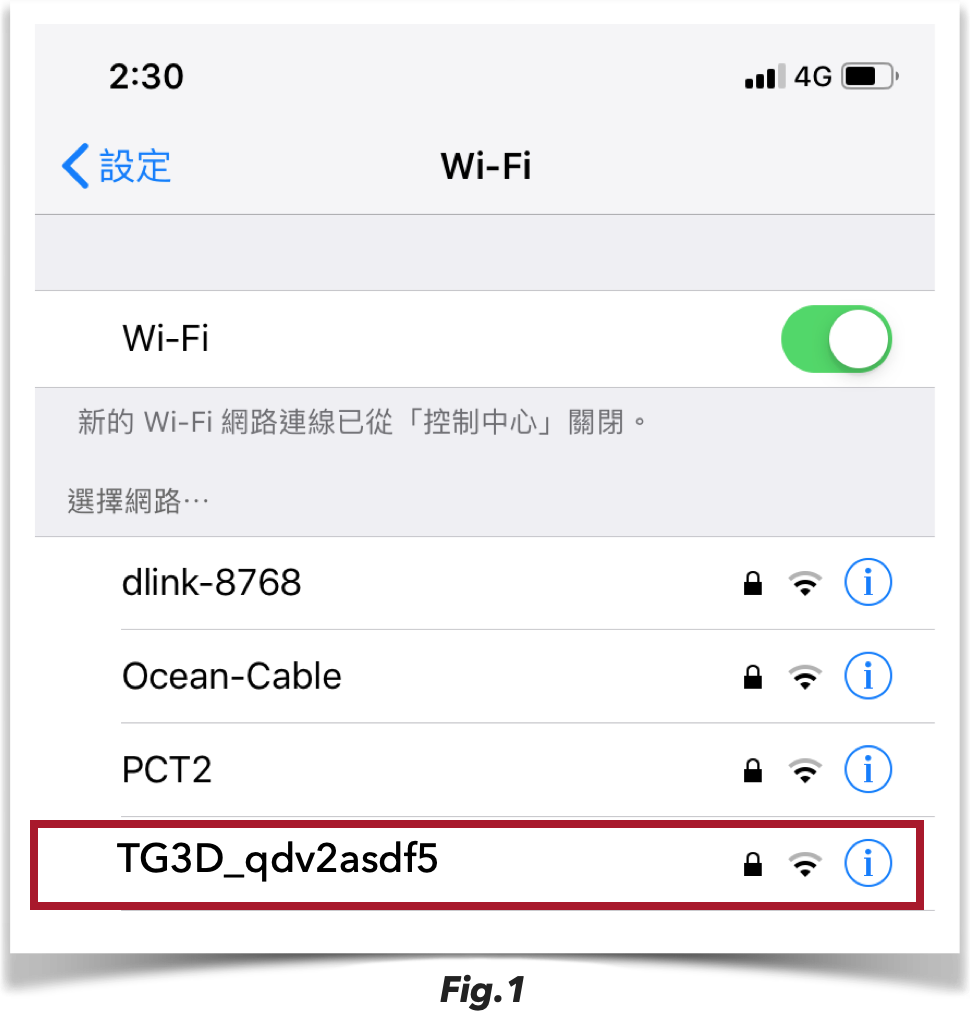
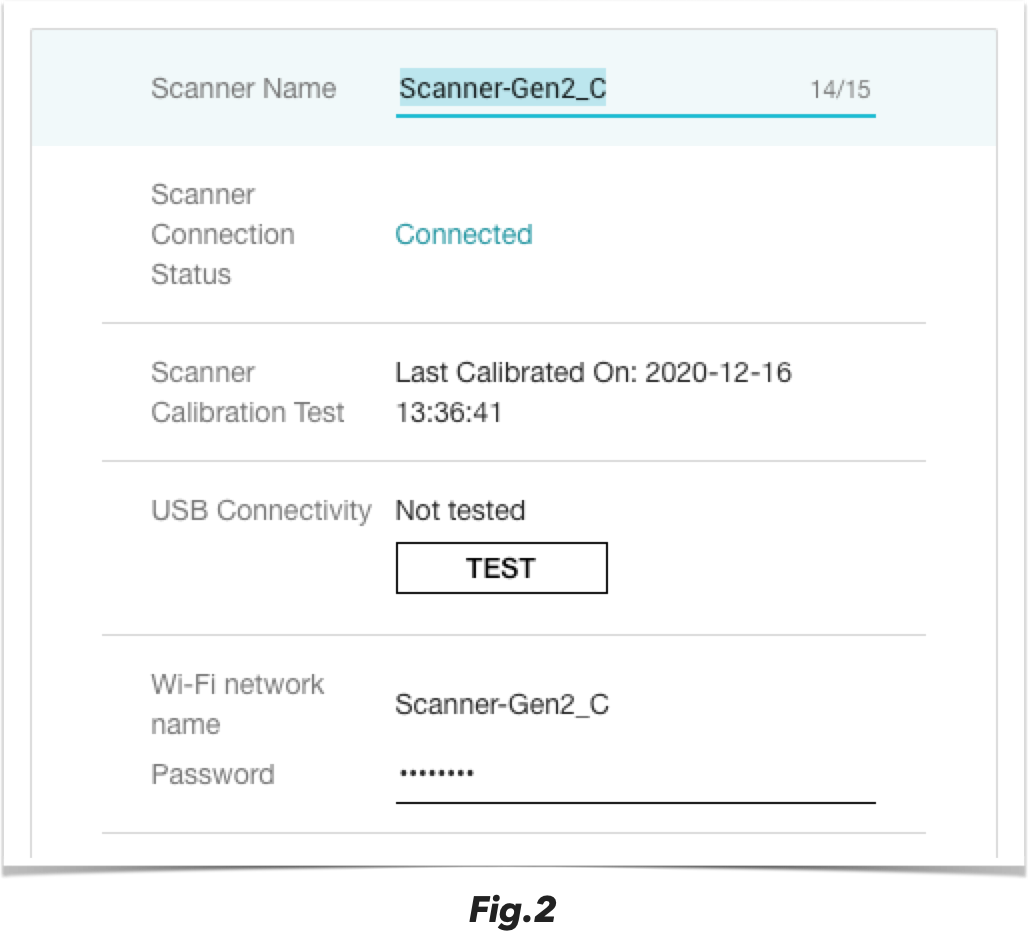
1) If Wifi name shows: TG3D_xxxxxx (random numbers by default as Fig.1), or your configured Scanner Name (configured from Scanner setting in Scanatic for Fashion website as Fig.2).
it means the Body scanner is working normally with internet connectivity.
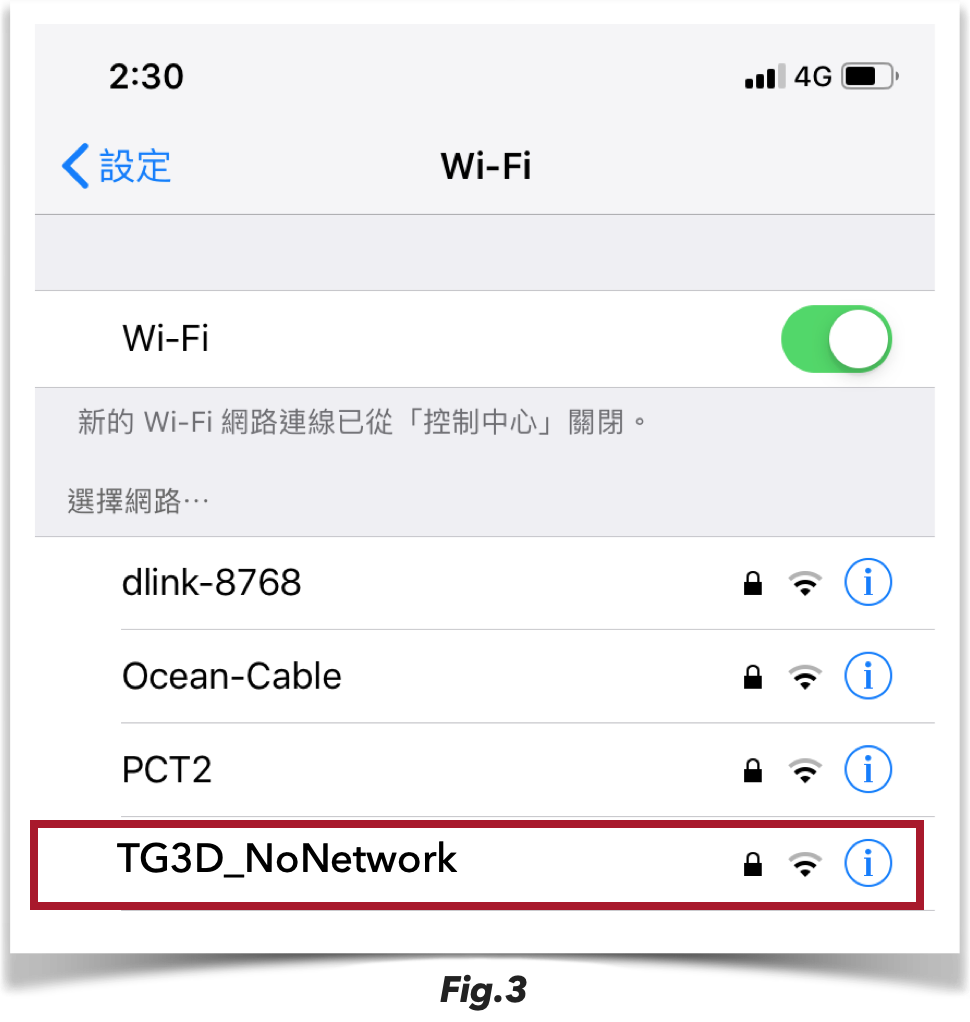
2) If Wifi name shows: TG3D_NoNework (random numbers by default as Fig.3), it means Body scanner is powered on but with NO internet connectivity.
Trouble shoot:
a) Check whether your internet cable or router are connected well.
b) Connect your laptop to the same router or cable connect to Body scanner and check if your laptop's accessibility.
c) Contact with your internet provider and see if there are any internet issues.
3) Can NOT discover any WiFi access point from Body scanner. It means your Body scanner was not running appropriately. (Please make sure you are searching inside the Body scanner )
Trouble shoot:
a) Unplug power cable of Body scanner, wait for 5 secs, and plug power cable to power on it again. Wait for 5mins (in maximal) and discover WiFi Access point inside body scanner again.
b) If you can't find it after several power off and on, you may prepare a laptop or desktop which connect to the same internet router as Body scanner. Then call for TG3D's help to remote debugging for you.
Comments
0 comments
Please sign in to leave a comment.