
without Scanatic™ Nuno Fabric Scanner, you may use Scanatic™ DC Suite to create your fabric and digitize them.
follow the video as follow to complete step by step.
FAQ
1. What material do I need for fabric digitization?
There are 3 main elements to create 3D fabric: color, normal, specular maps
before creating your fabric in Scanatic™ DC Suite, you may need to take a photo of the physical fabric to use as the color map.
2. How do I get the normal and specular map without using Scanatic™ Nuno fabric Scanner?
Preset from Scanatic™ DC Suite's local library ( Follow the video instruction above )
There are several normal and specular maps in Scanatic™ DC Suite's local library, you may look for the one that does match your color map
3. What if I would like to apply other kinds of normal and specular maps?
You may get the maps from the Scanatic™ for Fashion website > Fabric > TG3D Collection
If you have subscribed to TG3D's Scanatic™ 3DNuno Service, you may look for the fabric's map resources in the TG3D collection, pick the normal and specular does match with your color map, and import them into the Scanatic™ DC Suite
Scanatic™ for Fashion website > Fabric > TG3D Collection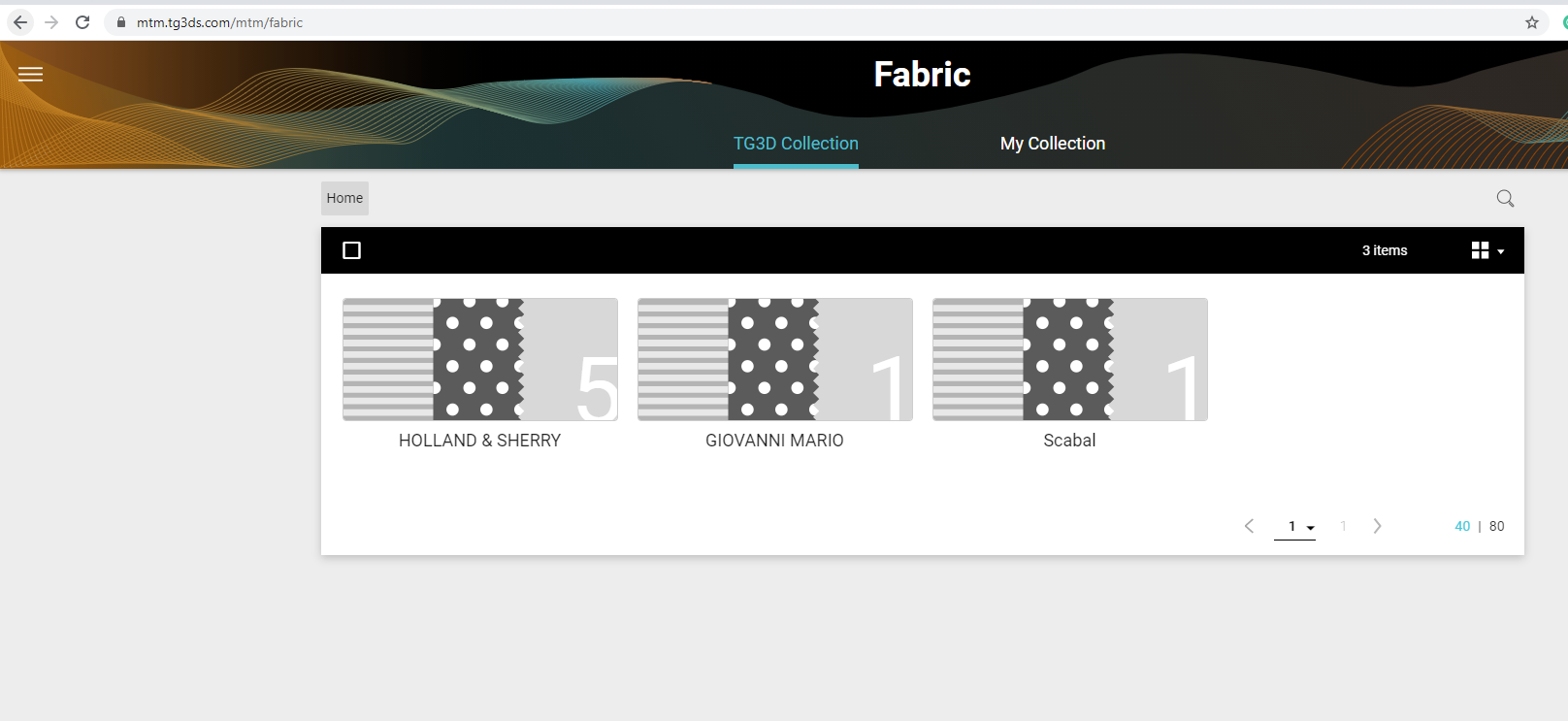
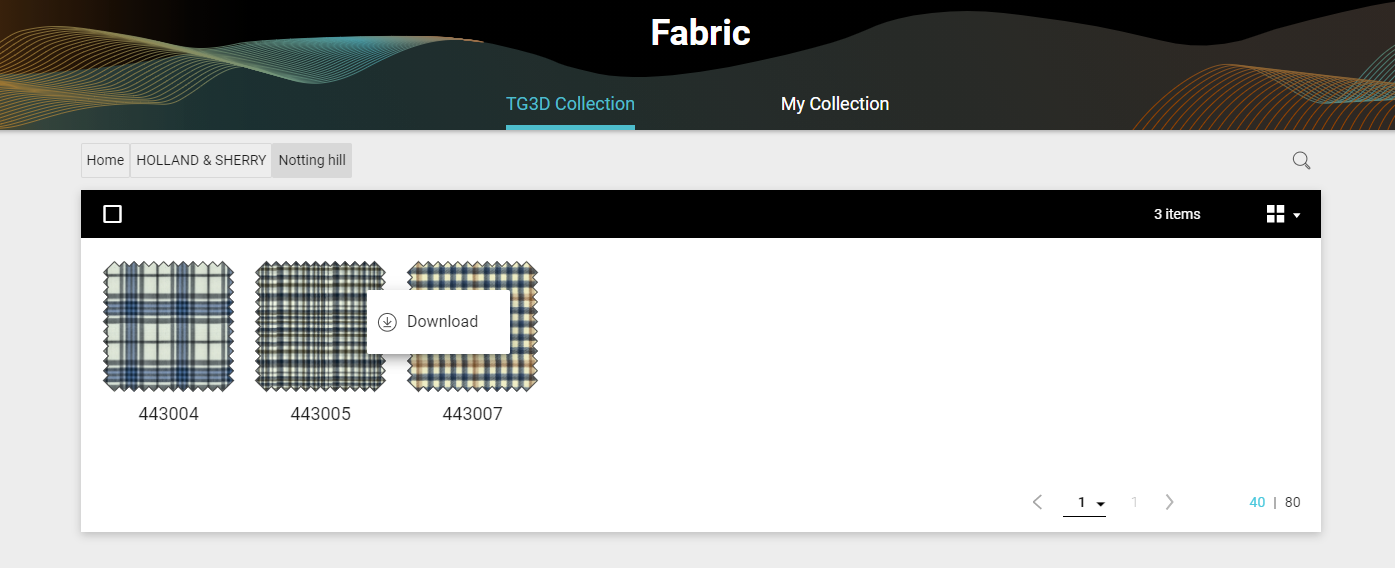
Find the fabric that closes to your color map on hand > download
Use the repeatable_normal and repeatable_specular map from the selected fabric
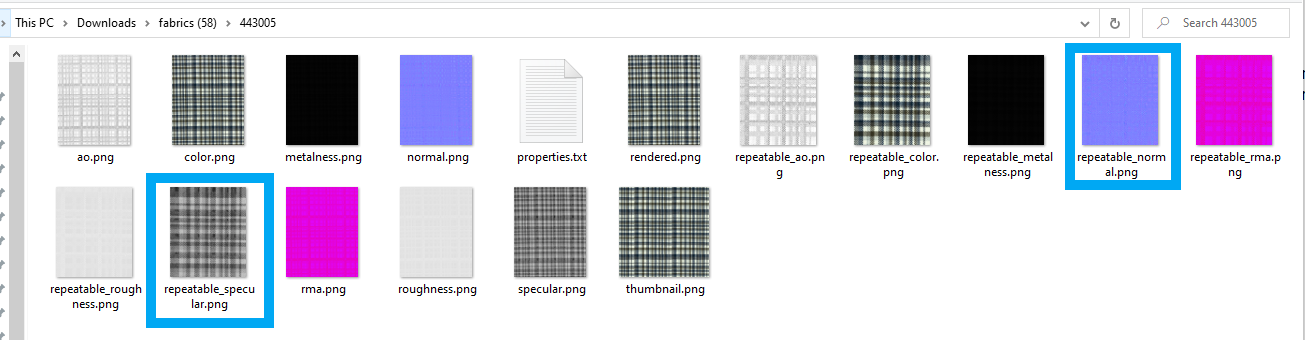
Import into the Scanatic™ DC Suite ( Follow the video instruction above )
Comments
0 comments
Article is closed for comments.